Installation Guide
Install the LinkedConnector app and snapshot into your account in a few minutes.
Getting LinkedConnector up and running is straightforward. You'll firstly install the app , then install the snapshot from the App Marketplace which comes packed with pre-built workflows and settings ready to use right away.
Install the App
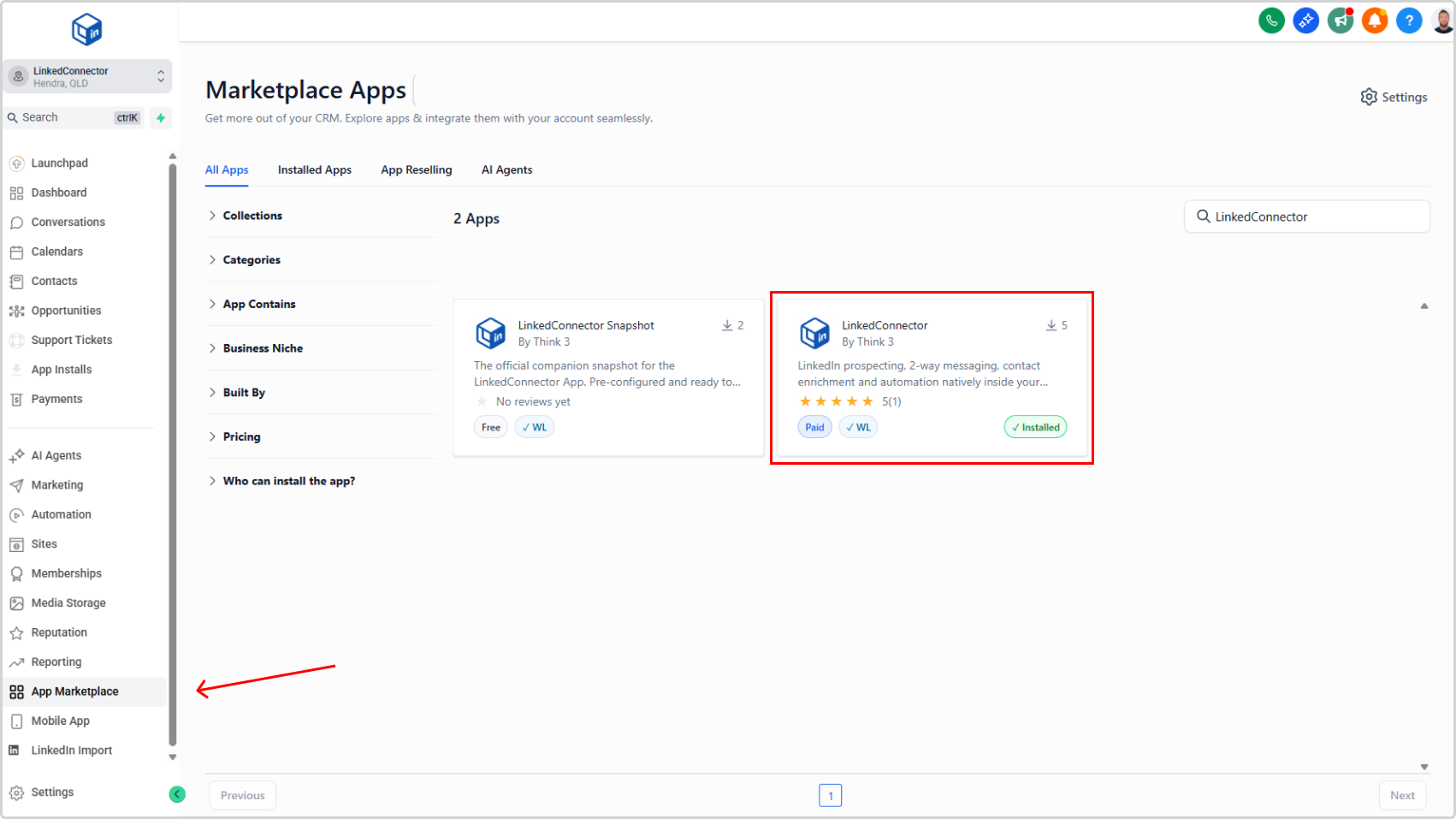
- In your CRM, click App Marketplace (menu item)
- Search for "LinkedConnector"
- Select the app from the search results
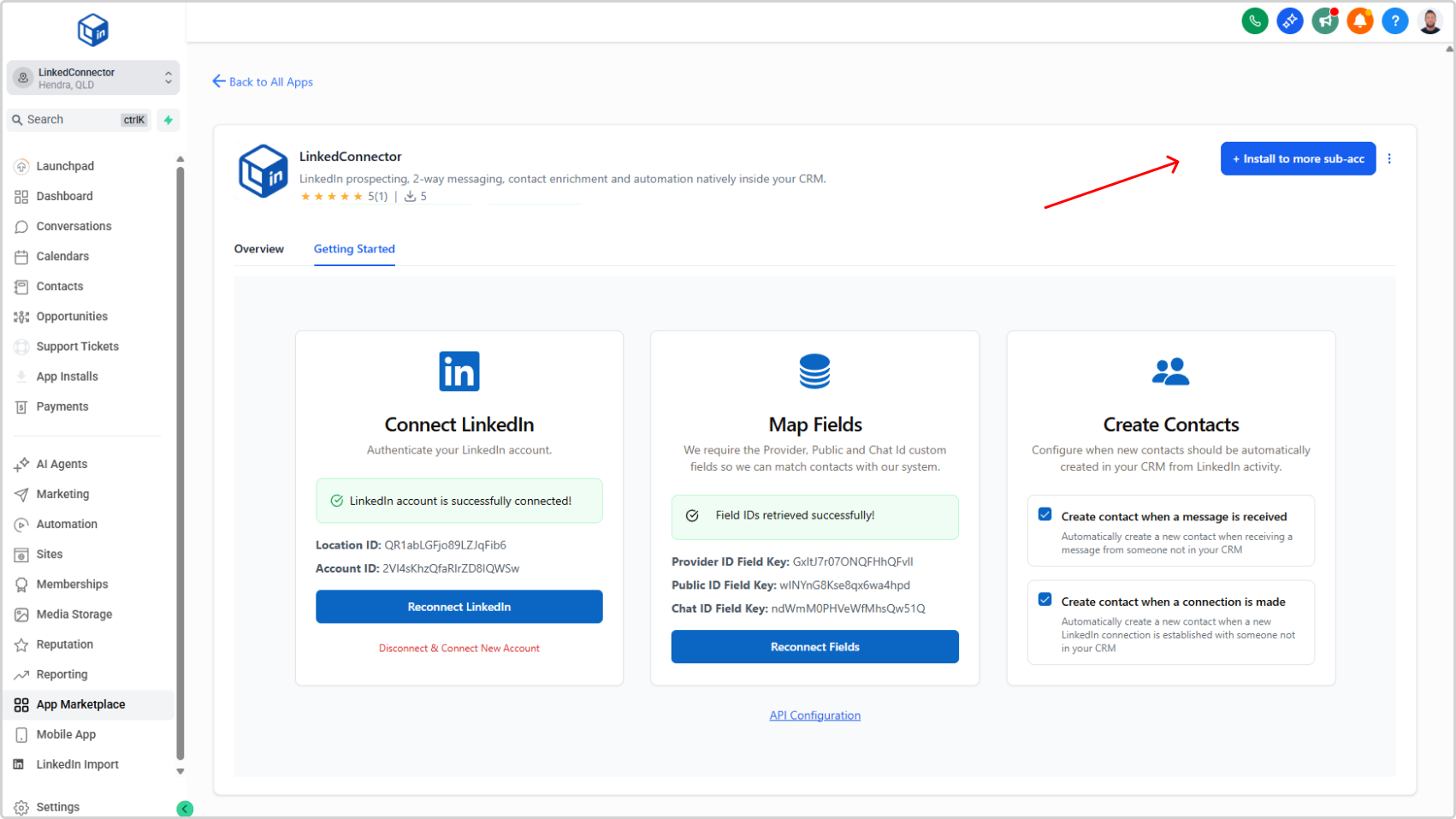
- Click Install and follow the on-screen prompts
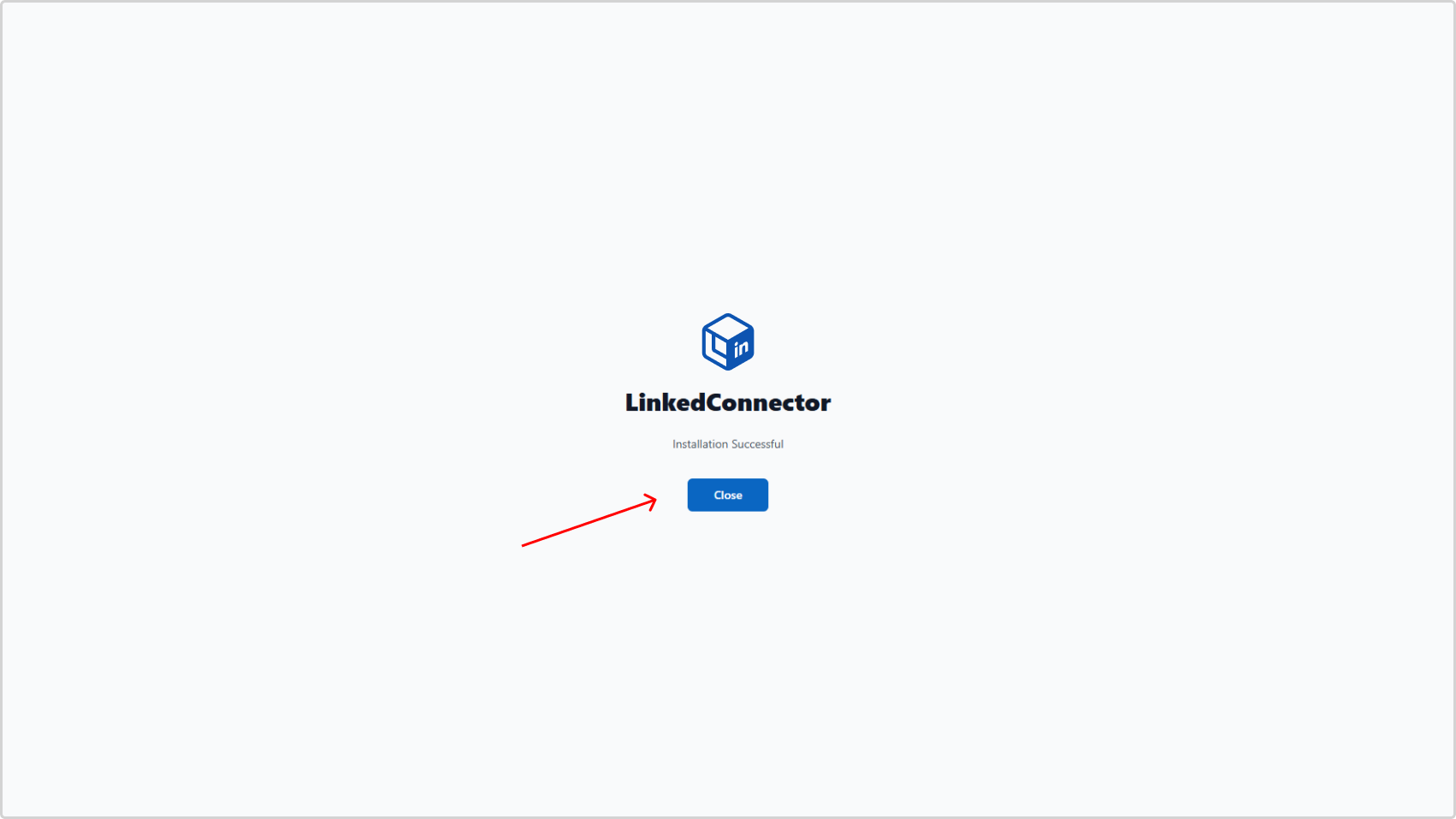
You'll see a confirmation when the app is installed.
Install the Snapshot
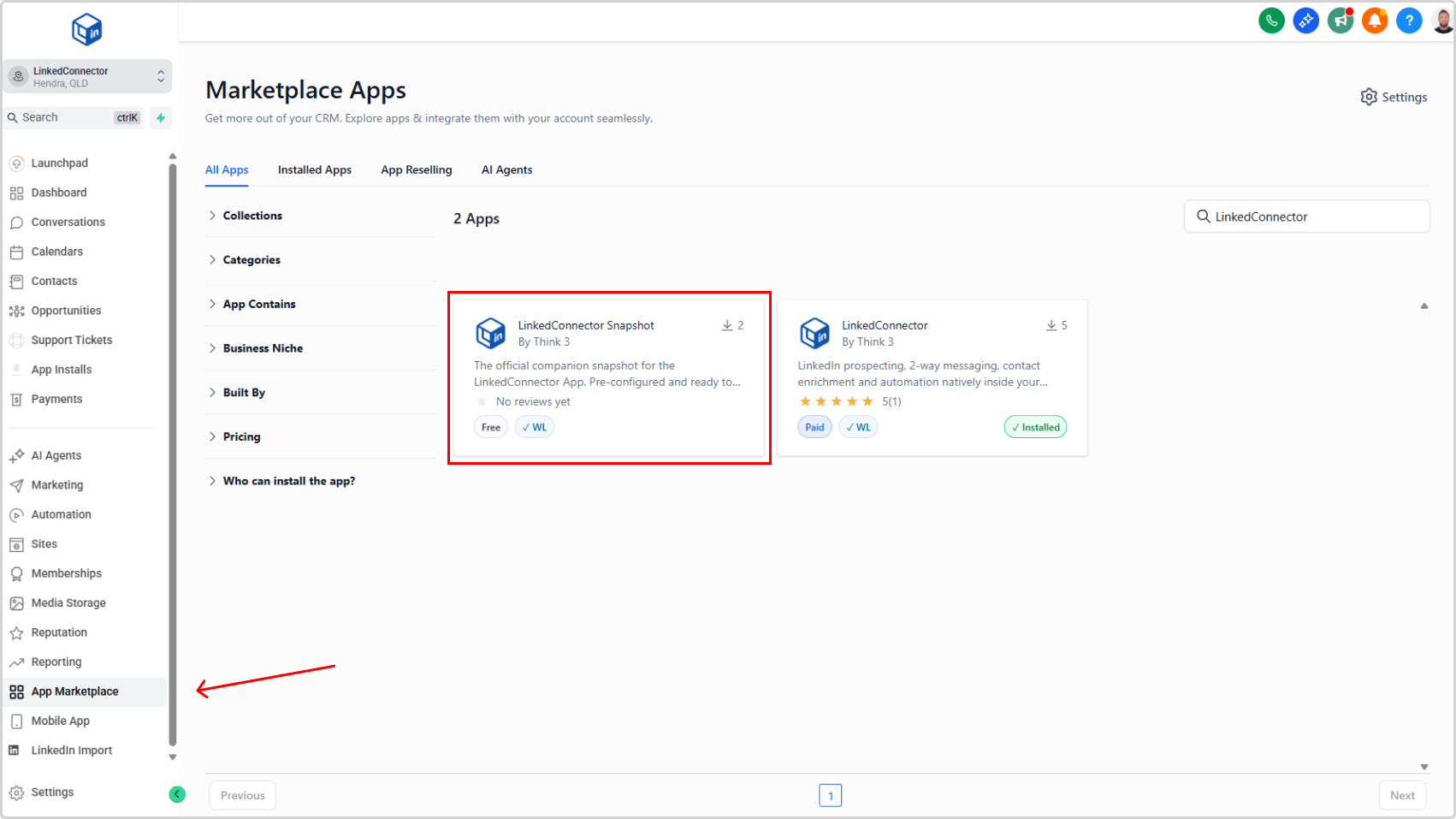
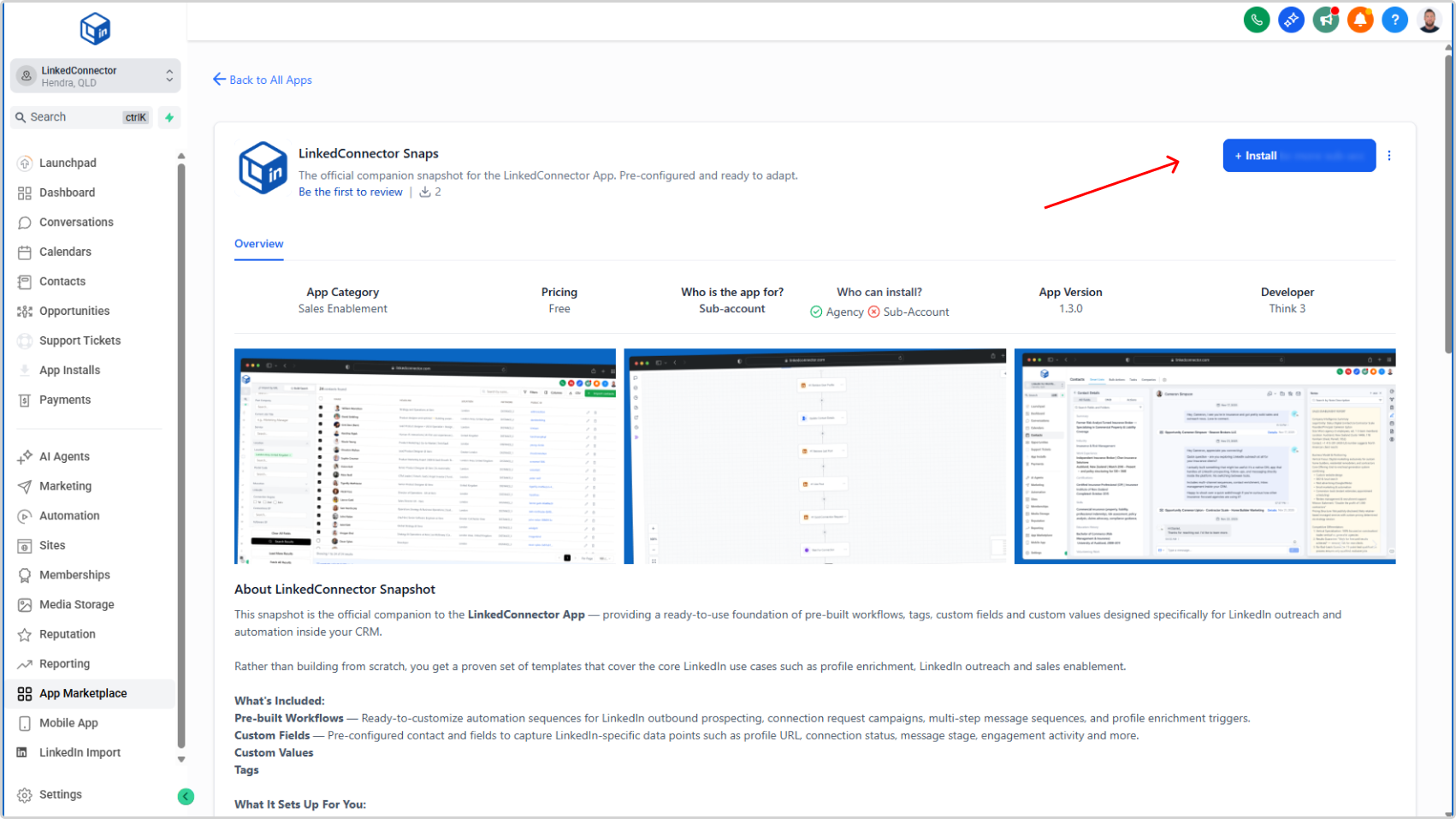
1. In your CRM, open App Marketplace
2. Search for LinkedConnector Snapshot
3. Select it from the search results
4. Click Install and follow the on-screen prompts
5. Wait for the confirmation message that installation is complete
Once installed, your snapshot includes requires some configuration to make it work for your use case. Please see the rest of the getting started documentation for further instructions.