Send Video and Voice Messages on LinkedIn
You can now record and send video and voice messages to LinkedIn connections directly from the conversation inbox.
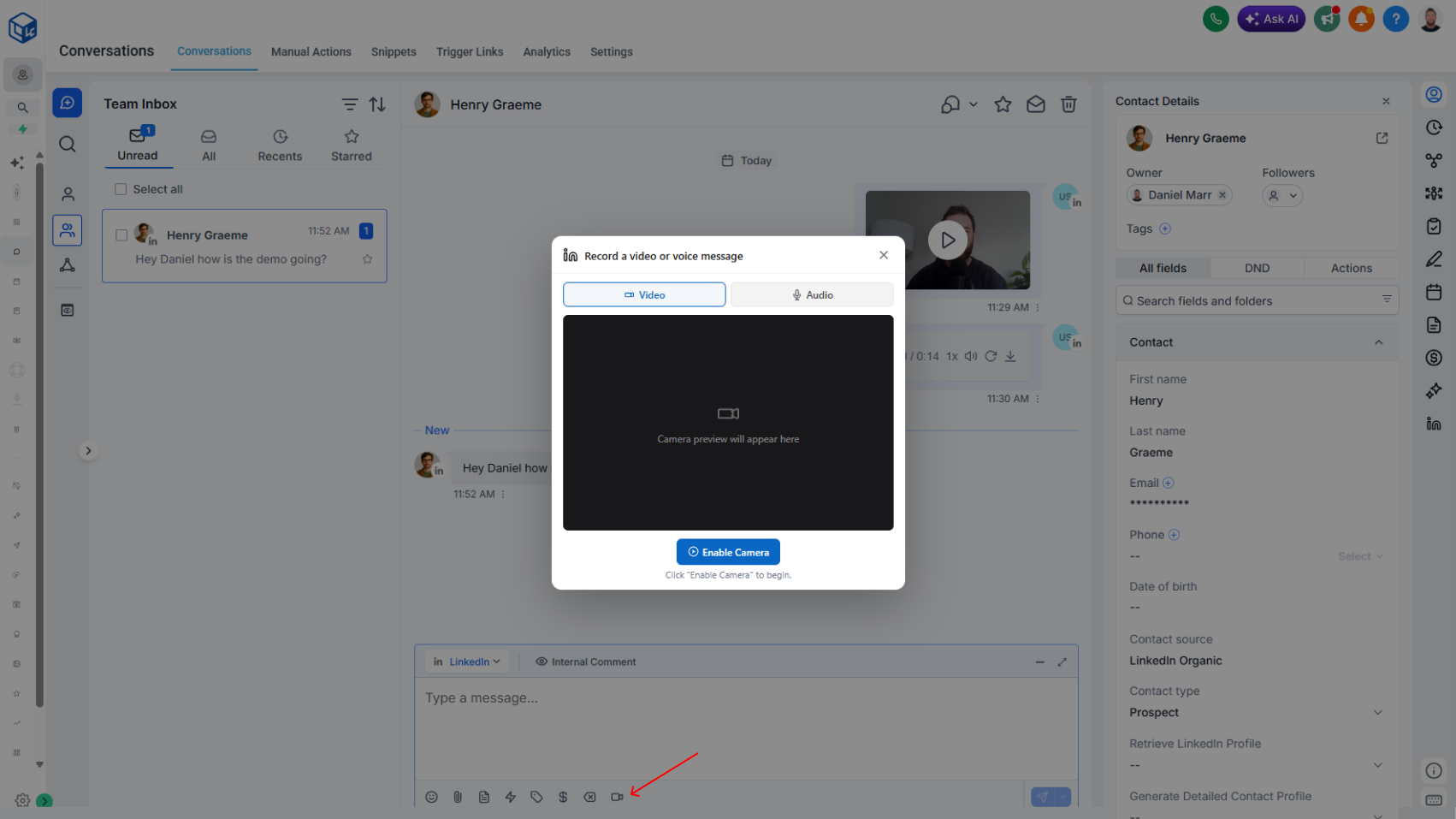
Overview
Switch to the LinkedIn messaging provider, hit record, and send. The recipient gets a native video or audio message in their LinkedIn inbox — no app-switching, no manual upload, no separate tool.
What's New
- In-app video recording in the LinkedIn message compose box
- In-app voice recording in the LinkedIn message compose box
- Native delivery — messages land as video or audio in the recipient's LinkedIn inbox
- Background processing — files are optimized automatically before sending
- Playback preview for voice messages before you hit send
Why It Matters
- Higher engagement than text — video and voice stand out in a LinkedIn inbox full of typed replies
- No app-switching — record, review, and send without leaving your CRM
- Personalized at scale — break the "another templated message" pattern with a face or a voice
- Faster than typing — say it in 20 seconds instead of typing for two minutes
Limits
- Video – up to 30 seconds
- Voice – up to 40 seconds
See the Video and Voice Messages documentation for step-by-step setup and usage.