Customize Your Brand Colors
Customize your brand across the platform. Update your primary brand color and foreground color in Brand Settings, and they automatically apply to the Leads Importer and Getting Started page.
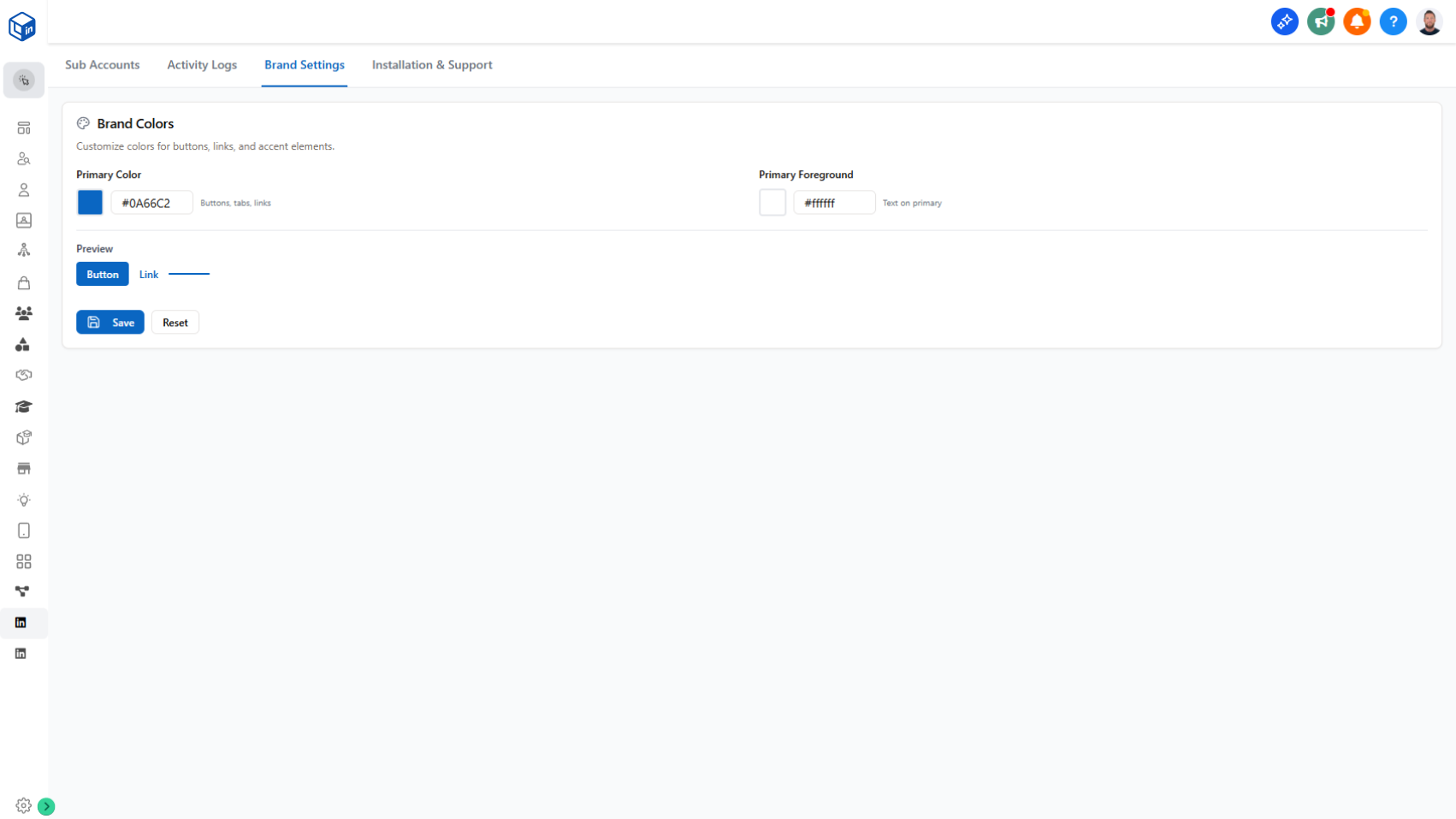
Match your branding across the platform with custom primary and foreground colors.
What it does:
Your brand now extends throughout the platform. In the Agency Management dashboard, go to Brand Settings and update your primary brand color and primary foreground color. You'll see a live preview of how buttons and links will look with your colors. Once you save, the colors apply instantly to the Leads Importer and Getting Started Connection page.
- Update primary brand color
- Update primary foreground color
- See a live preview of buttons and link colors before saving
- Changes apply instantly (just refresh the pages you're working on)
Why it matters:
Your end users see a consistent brand experience across all their workflows. It feels like your product, not a third-party tool, which builds trust and keeps your branding front-and-center.
How to use it:
Go to Agency Management dashboard → Brand Settings tab → Update your colors and save.