Apply CRM Tags During LinkedIn Contact Import
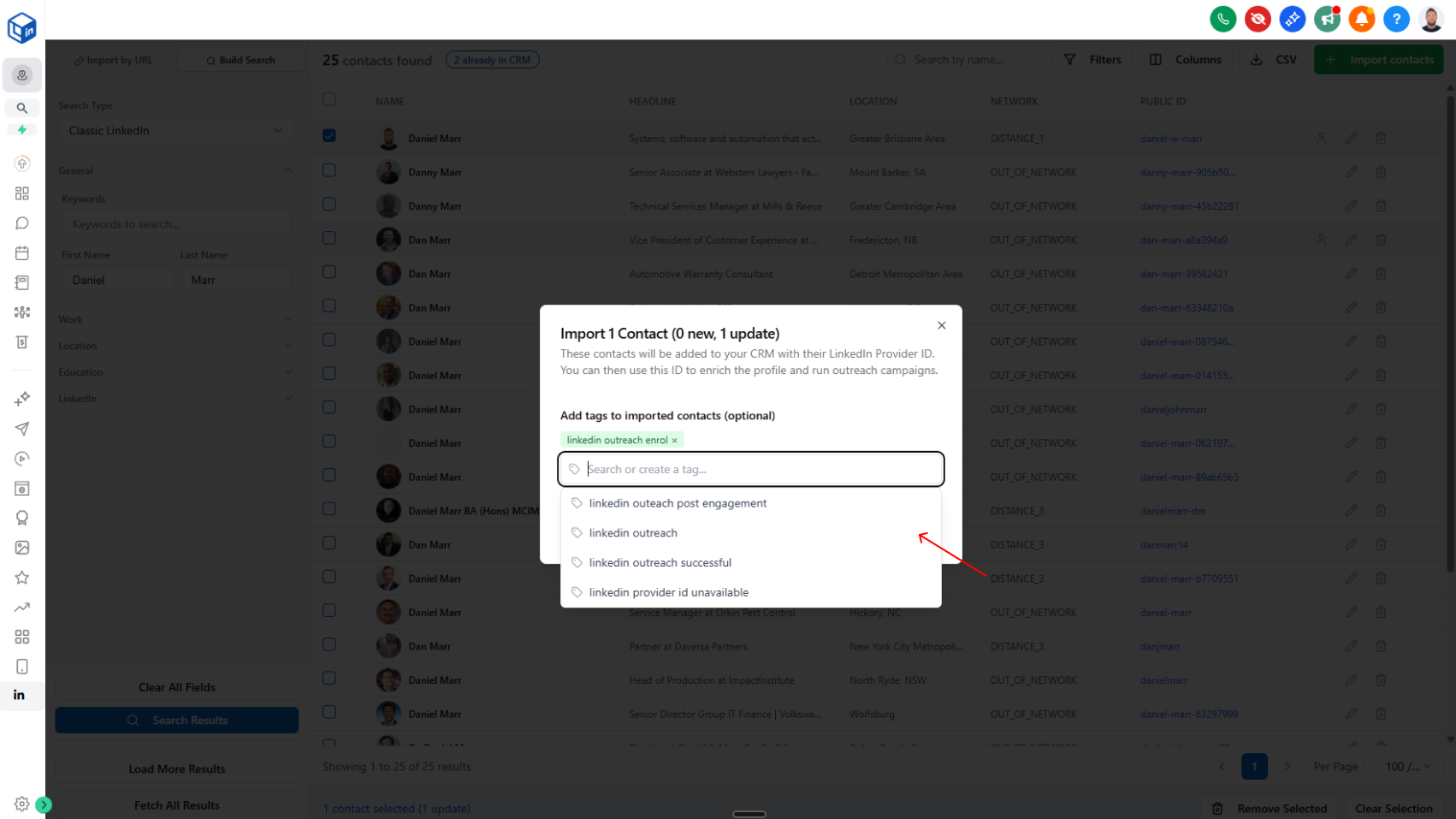
You can now search, select, and create CRM tags while importing LinkedIn contacts with the LinkedConnector import tool.
What’s New
We’ve added additional tagging support to the LinkedIn contact import flow in LinkedConnector.
When importing contacts to your CRM, you can now:
- Search existing CRM tags
- Select one or more tags to apply
- Create new tags directly in the import modal
This update is available to all users.
How to Get the Update
If you do not see this feature yet, or experiencing any issues you may need to update the LinkedConnector App so we have the permissions to search tags in your CRM:
- Go to App Marketplace
- Select Installed Apps
- Select LinkedConnector
- Click Update in the top-right corner
After updating, the tagging option should function correctly.